- Choose or drop your JPG or PNG images.
- Use Up and Down to set the order.
- Press Create PDF, then Save PDF.
Phone photos of paperwork, as one PDF
Turn receipts you photographed for an expense report into one PDF, or send pictures of a signed form when someone asks for "a PDF". Many insurance, school and rental portals accept PDFs only, and one file is easier for the other side than ten photos.
Photos of a passport, driver's license or medical letter are exactly what you would rather not upload to an unknown converter. Here the PDF is put together on your device. Students also use it to hand in photographed homework or handwritten notes as one file.
How the pages are laid out
Each image goes on its own A4 page. It is scaled to fit the page while keeping its proportions and placed in the center, with no extra margin. Wider-than-tall images go on a landscape page; the rest go on a portrait page.
Images are placed in the PDF as they are, without recompression, so quality does not drop and the PDF is about as large as the images combined. PNG files go in as PNG rather than being turned into JPG, so you can mix camera photos with screenshots. Pages follow the order of your list, which you can change with Up and Down.
Text in a photo stays a picture
The result is saved as images.pdf, and your photos are not changed. Text inside a photo stays part of the image, so it cannot be selected or searched; this tool does not run text recognition (OCR).
When a photo is refused or lies sideways
Files other than JPG and PNG are refused. That includes HEIC, the default iPhone photo format, as well as WebP and GIF, even if the name has been changed to .jpg. Remove the file, or export it as JPG from your photo app and add it again.
JPG photos from a phone often store their rotation separately. The tool reads it and places each photo the way it was taken. If a page still faces the wrong way, open the PDF in Organize PDF pages, rotate that page and save.
Many large photos can be slow on a phone. If saving does nothing inside an app's built-in browser, open the page in your regular browser.
How to check that your file is not uploaded
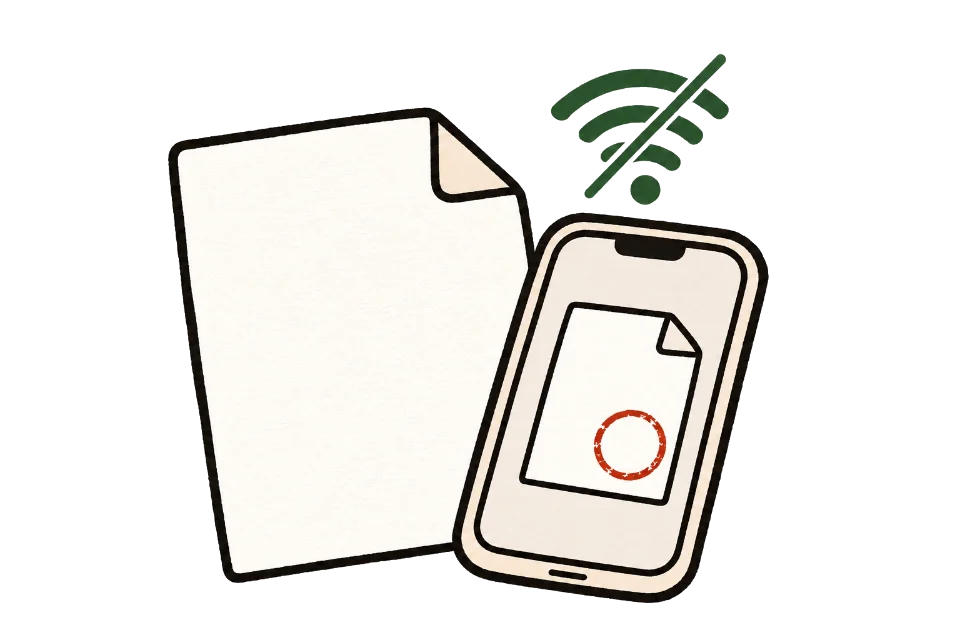
The simplest test is to go offline. Once this page shows "Ready", turn off Wi-Fi and mobile data, then add your files. Processing and saving still work. A tool that uploads files would stop here.
You can also use developer tools. On a computer, press F12, open the Network tab and run the tool. You may see analytics or ad requests, but no request anywhere near the size of your file.
Common questions
Can I use PNG or HEIC?
PNG works, and you can mix it with JPG. HEIC, WebP and GIF do not. On an iPhone, set Camera > Formats to "Most Compatible" to take JPG photos.
Does it reduce image quality?
No. Images are placed in the PDF without recompression, so the PDF is about as large as the images combined.
How many images can I add?
There is no limit. With very many photos it may be slow on some devices.
Can I put several photos on one page?
Not yet. Each photo gets its own page.
Can I choose Letter size or add margins?
Pages are A4 with no margin. Depending on the photo shape, there may be empty space above and below or on the sides.
Will portrait photos end up sideways?
No. The tool reads the rotation your phone recorded in the JPG and keeps the photo the way it was taken. If an editing app stripped that information and a page looks sideways, open the PDF in Organize PDF pages and rotate that page.
How do I make the PDF smaller?
This tool does not shrink images. Resize the photos or lower the camera resolution before adding them.