- Choose one password-protected PDF.
- Type the password for that file.
- Press Remove password, then Save PDF.
You need to know the password
This tool opens the file with a password you already have and saves a copy without it. It cannot open a PDF whose password you do not know. There is no guessing, cracking or recovery feature of any kind.
It is not meant for getting into someone else's files. It is for documents that are already yours, where typing the password every time has become a chore.
Statements that ask for a password every time
Payroll services often send payslips as password-protected PDFs, and banks, credit card companies, insurers and some accountants do the same with statements and tax documents. If you open the same statement again and again, an unlocked copy saves you from looking up the password each time.
Other tools on this site, such as Merge PDF and Split PDF, cannot open password-protected files. If you need to add a protected pay stub to a rental or mortgage application packet, unlock it here first and use the copy.
What the -unlocked copy keeps
The copy keeps the original name with -unlocked added, so statement.pdf becomes statement-unlocked.pdf. Your original file stays protected and unchanged.
Unlocking with the open password also removes any printing or copying restrictions on that file. The page content itself is untouched, so text remains selectable and quality is the same as the original.
How it works: qpdf, on your device
Unlocking is done by qpdf, an open-source PDF tool released under the Apache-2.0 license, compiled to WebAssembly so it runs in your browser. This page alone loads the roughly 1.3 MB program, and once "Ready" appears you can go offline.
The password and the file are never sent to a server and are not stored anywhere. They are gone when you close the page.
Keep the copy safe
Anyone can open the unlocked copy. For payslips, statements and medical records, do not leave it in the Downloads folder of a shared or work computer, and double-check the recipient before you email it on. Delete the copy once you no longer need it.
When it says the password doesn't match
If the password is reported as incorrect, check it again. The email or letter that came with the document usually explains the format, such as your date of birth or the last digits of an ID number. Passwords are case-sensitive.
If you are told the file already opens without a password, there is nothing to remove; use it in other tools as it is. Files that open without a password but restrict printing or copying are not processed by this tool.
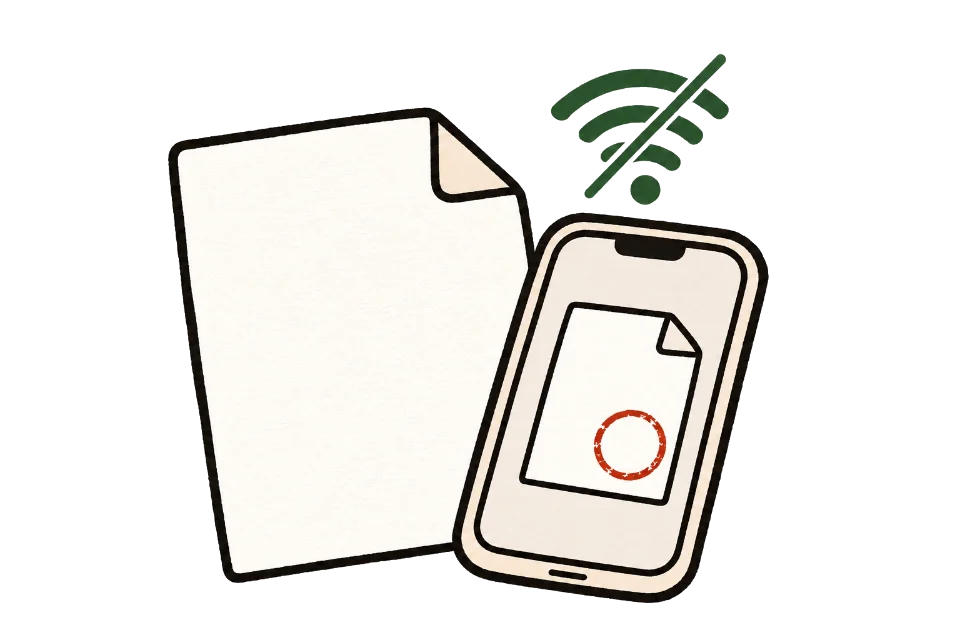
How to check that your file is not uploaded
The simplest test is to go offline. Once this page shows "Ready", turn off Wi-Fi and mobile data, then add your files. Processing and saving still work. A tool that uploads files would stop here.
You can also use developer tools. On a computer, press F12, open the Network tab and run the tool. You may see analytics or ad requests, but no request anywhere near the size of your file.
Common questions
Can it unlock a PDF if I forgot the password?
No. It only works with a password you know. There is no guessing or cracking feature. Ask whoever sent the file for the password.
Is my password sent anywhere?
No. The password and the file are used only on your device, are not stored, and disappear when you close the page.
Are printing and copying restrictions removed too?
Yes, when you unlock with the open password. Files that need no password to open but restrict printing or copying are not processed.
Does it remove the password from my original file?
No. The original stays as it is, and the unlocked copy is saved as a new file ending in -unlocked.
I am sure the password is right, but it is rejected.
Check Caps Lock and your keyboard language, since passwords are case-sensitive. Then look again at the password rule in the email that came with the document.
Does it work offline?
Yes, after "Ready" appears. The program it needs, about 1.3 MB, is loaded once when this page opens.
Does it work on a phone?
Yes. If you opened the link inside an app such as a messenger, saving may not work there, so open it in your regular browser when prompted.
Can I add a password to a PDF instead?
Not at the moment. This tool only removes a password.