- Choose or drop the PDFs you want to combine.
- Use Up and Down to set the order.
- Press Merge, then Save PDF.
Monthly paperwork, sent as one file
Put a year of bank statements or invoices into one file for your accountant. Send a job application as a single PDF with your resume, cover letter and references in the right order. Combine tax forms and receipts before you upload them to a portal that only accepts one file.
Students use it to submit an assignment as one document when it was written and scanned in pieces. It also puts a contract back together when the scanner saved each page as its own file.
These are exactly the documents you would rather not hand to a stranger's server: they carry account numbers, addresses and signatures. Here the merge happens on your own device.
The order follows the order you pick
Files appear in the list in the order you add them. Use Up and Down next to each file to move it. If you name files 01, 02, 03 before you start, they usually come in already sorted.
To add more, choose files again and they join the end of the list. Remove a file you added by mistake with its Remove button.
What merged.pdf keeps, and what it drops
The result is saved as merged.pdf. Pages are copied, not redrawn, so text stays selectable and searchable and images keep their quality. That also means the merged file is roughly as large as all the originals together.
You can mix page sizes and orientations, such as A4 and Letter, portrait and landscape; each page keeps its own size. Your original files are left untouched. Bookmarks (the outline panel) from the originals are not carried over.
When a file won't open
A file marked as password-protected cannot be opened here; remove it and merge the rest, or, if you know the password, unlock it first with Unlock PDF and add the unlocked copy. Some PDFs that open without a password but restrict printing or editing are also refused. A file marked as damaged or not a PDF was usually cut off during download or is a different format renamed to .pdf, so try downloading it again.
On a phone, very large jobs may be slow or stop because everything runs in the device's memory, and we warn you before you start a large one. Merging in smaller batches, or switching to a computer, usually helps.
If you opened the link inside a messaging or social app, the Save button may do nothing. Use "Open in your browser" at the top and try again. Saved files go to your Downloads folder; on an iPhone, look in the Files app under Downloads.
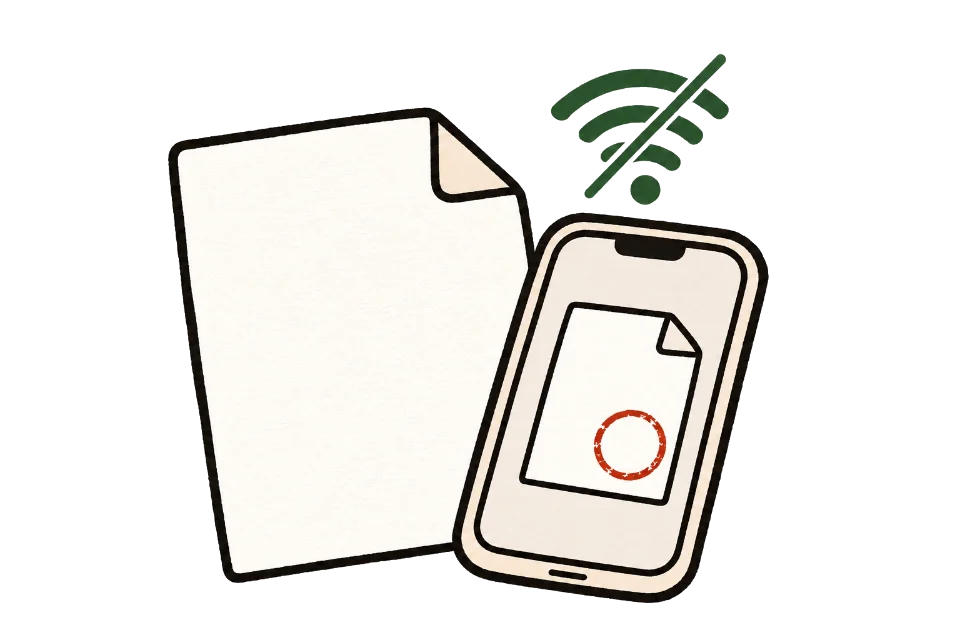
How to check that your file is not uploaded
The simplest test is to go offline. Once this page shows "Ready", turn off Wi-Fi and mobile data, then add your files. Processing and saving still work. A tool that uploads files would stop here.
You can also use developer tools. On a computer, press F12, open the Network tab and run the tool. You may see analytics or ad requests, but no request anywhere near the size of your file.
Common questions
How many files, and how large?
There is no file count limit. Processing uses your device memory, so very large files may be slow or stop on some devices. On a phone we let you know before you start a large job.
Can I merge password-protected PDFs?
Not directly. If you know the password, remove it first with Unlock PDF, then merge the unlocked copy.
Does merging reduce quality?
No. Pages are not re-rendered; their content is copied as is.
Can it make the merged PDF smaller?
No, this tool does not compress. The result is about the size of the originals combined.
What is the merged file called?
merged.pdf. If a file with that name already exists, your browser adds a number. Rename it after saving if you like.
I added the same file twice by mistake.
You will see a warning, but it is not blocked. If you merge as is, it appears twice, so remove one copy first.
Does it work on a phone?
Yes. If you opened the link inside an app such as a messenger, saving may not work there, so open it in your regular browser when prompted.
Can I merge Word or image files too?
Only PDFs. Save Word documents as PDF first, and use JPG to PDF for photos, then merge the results.
How do I remove a page after merging?
Open the merged file in Organize PDF pages, delete the pages you do not need and save again.